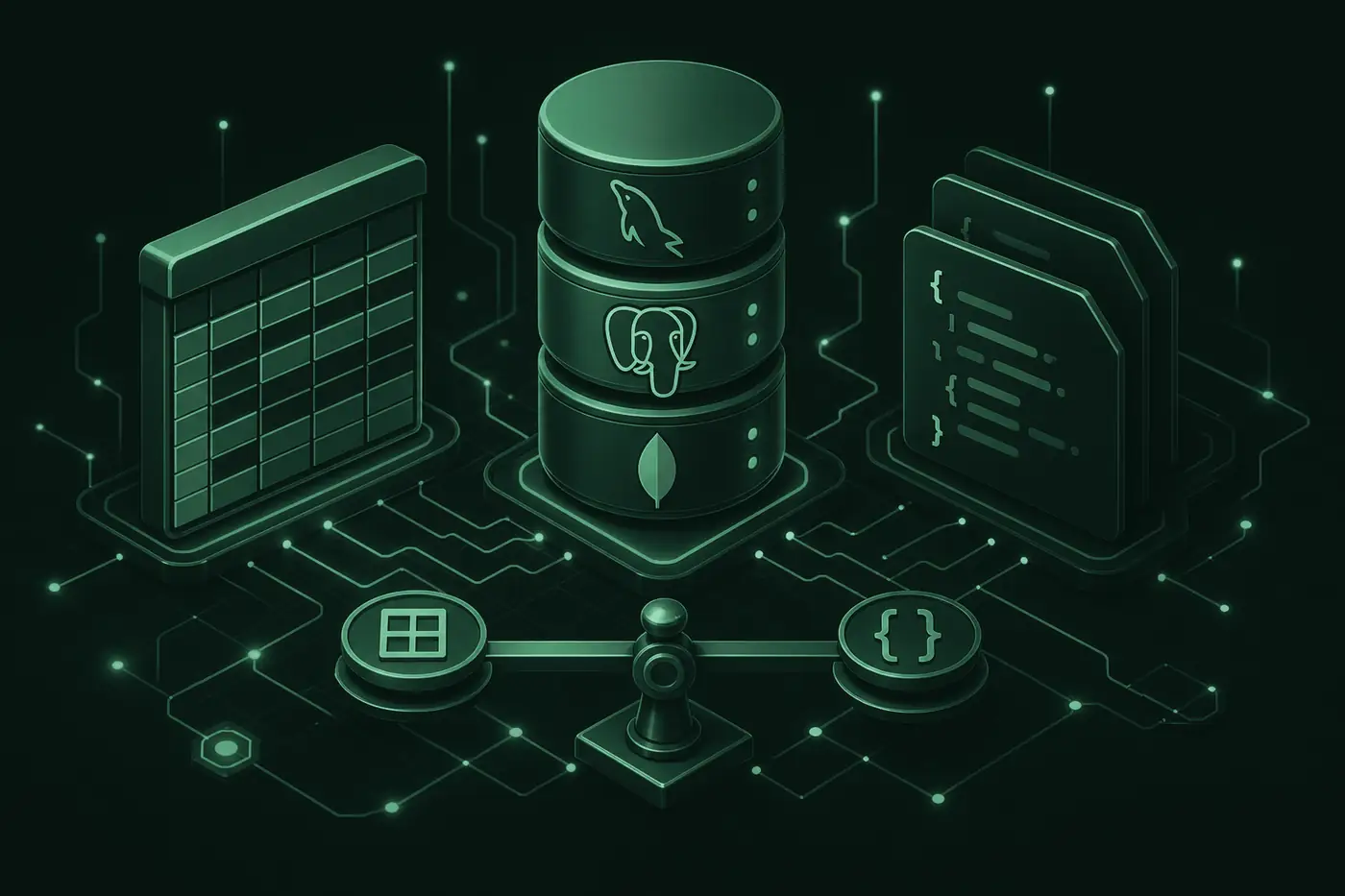

One of the most critical technical decisions when starting a web or mobile project is choosing a database. The wrong choice leads to performance issues, rising costs and painful migrations later. This guide covers SQL vs NoSQL, popular databases and how to decide for your project.
What Is a Database and Why Does It Matter?
A database is where application data lives permanently: users, orders, blog content, settings and more. The right choice directly affects data integrity, query speed, scalability and developer productivity.
SQL vs NoSQL: Core Difference
| Feature | SQL (Relational) | NoSQL |
|---|---|---|
| Data model | Tables, rows, relations | Document, key-value, graph, etc. |
| Schema | Fixed, predefined | Flexible, variable |
| JOIN / relations | Strong, native support | In app layer or limited |
| ACID | Generally strong | Varies by model |
| Typical use | E-commerce, finance, CRM | Logs, content, rapid prototypes |
Popular Databases
MySQL
Long-standing open-source SQL database. Reliable for shared hosting and corporate projects. We often pair it with Prisma ORM in Veltstack projects.
PostgreSQL
Advanced SQL features, JSON support and strong data integrity. Ideal for complex queries and analytics. Integrates easily with managed services like Supabase and Neon.
MongoDB
Document-based NoSQL. Strong for fast development, flexible schema and content-heavy apps. Used for e-commerce catalogs and dynamic form structures.
Managed services
Platforms like Neon, PlanetScale, Railway and Supabase handle backups, scaling and connection pooling. Must be considered with serverless deploys (Vercel).
MySQL vs PostgreSQL vs MongoDB
| Database | Strength | Weakness | When? |
|---|---|---|---|
| MySQL | Simple setup, wide hosting support | Less flexible than PostgreSQL for advanced analytics | Corporate sites, admin panels, standard CRUD |
| PostgreSQL | Powerful SQL, JSON, extension ecosystem | Slightly more complex ops than MySQL | SaaS, reporting, highly relational data |
| MongoDB | Flexible schema, fast iteration | Complex relations need extra design | Prototypes, content, catalogs, logs |
Selection Criteria
- Data shape: Clear relations like order-product-user usually favor SQL.
- Scale expectations: Plan managed services and pooling if you start small but expect growth.
- Deploy environment: Connection limits matter on serverless platforms like Vercel; use a pooler.
- Team experience: What the team knows reduces maintenance cost.
- Cost: Compare free tier limits, storage and egress fees.
Practical tip
Using Prisma ORM in Next.js projects simplifies migrations and type-safe queries even if the provider changes. If you might move from MySQL to PostgreSQL, design the schema modularly from day one.
Serverless and Databases
Next.js apps on Vercel run each request as a short-lived function. Opening a new DB connection per request quickly hits connection limits. Solutions:
- Serverless-friendly PostgreSQL (Neon, Supabase)
- PlanetScale (MySQL-compatible, branching support)
- Prisma Accelerate or an external connection pooler
- Always-on backend on Railway or similar when needed
Common Mistakes
- Picking MongoDB for a prototype then forcing a painful SQL migration for relational needs
- Serverless deploy without connection pooling in production
- Deferring backup and disaster recovery planning
- Running queries on large tables without index planning
- Ignoring N+1 query problems when using an ORM
How We Approach Databases at Veltstack
We use MySQL, PostgreSQL or MongoDB depending on the project, with Prisma ORM for schema management, migrations and type-safe access. MySQL for IQfinansAI and corporate catalogs; MongoDB for e-commerce and content-heavy work. Choosing the right database is an architectural decision from day one.
Conclusion
There is no single "best database"; the choice depends on data model, traffic expectations and deploy environment. MySQL or PostgreSQL is a safe start for most corporate web apps; MongoDB fits flexible content and fast iteration. Contact us if you need architecture guidance for your project.